How to Create a Saree Photo Using Google Gemini (Nano Banana)
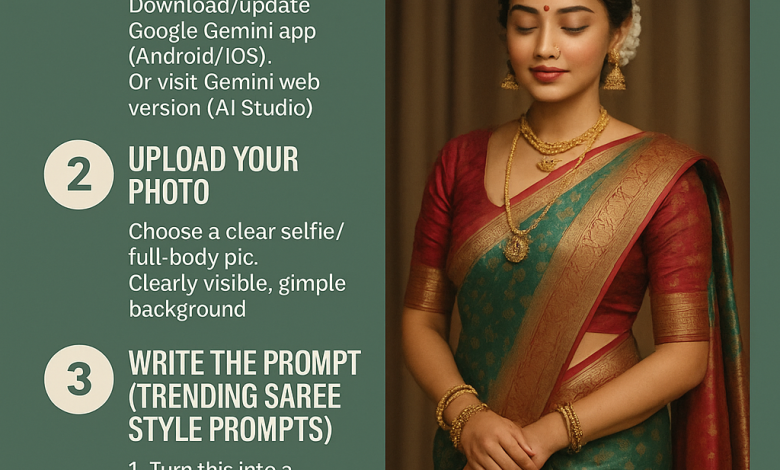
Artificial Intelligence has changed the way we create and consume content. What was once limited to designers and photo studios can now be done instantly with a simple mobile app. One of the most popular examples of this is the Google Gemini AI photo editing trend, popularly known as Nano Banana. In the past few weeks, social media platforms have been flooded with images of people transformed into glamorous avatars, 3D figurines, nostalgic Polaroid photos, and—most notably—traditional saree photoshoots created entirely through AI prompts.
The AI Saree Trend has gone viral in India because it combines modern technology with one of the most iconic elements of Indian culture—the saree. Millions of users are experimenting with prompts to see themselves in Banarasi sarees, silk sarees, chiffon drapes, and even bridal outfits. What used to take hours of professional styling and photography can now be done in seconds with the help of Google Gemini’s image editing tools
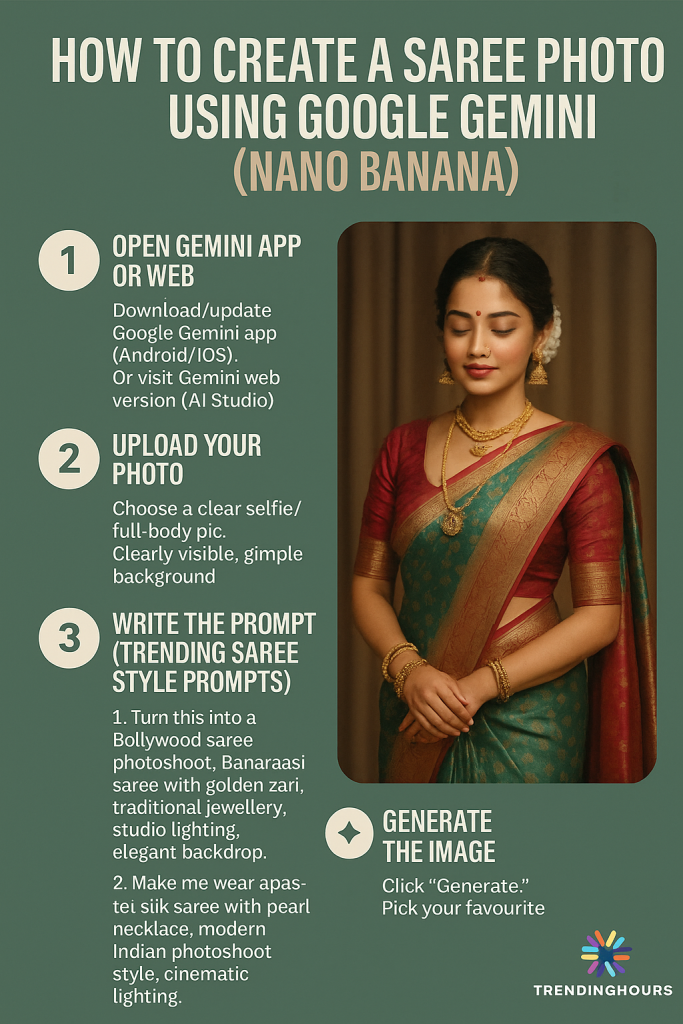
How to Create a Saree Photo Using Google Gemini (Nano Banana)
1. Open Gemini App or Web
- Download/update Google Gemini app (Android/iOS).
- Or visit Gemini web version (AI Studio).
2. Upload Your Photo
- Choose a clear selfie/full body pic.
- Make sure your face is clearly visible, background simple ho.
3. Write the Prompt (Trending Saree Style Prompts)
Use one of these prompts
- “Turn this into a Bollywood saree photoshoot, Banarasi saree with golden zari, traditional jewellery, studio lighting, elegant backdrop.”
- “Make me wear a pastel silk saree with pearl necklace, modern Indian photoshoot style, cinematic lighting.”
- “Create a wedding look: red bridal saree, heavy jewellery, floral background, natural smile, elegant pose.”
- “Transform this photo into a fashion magazine cover, model in designer chiffon saree, glamorous look, spotlight effect.”
Generate the Image
- Click “Generate.”
- Gemini will give you 3–4 variations.
- Choose the one you like best.
5. Edit & Save
- Adjust colours/filters if needed.
- Download image to share on Instagram, WhatsApp, or Facebook.
Safety Note
- Don’t upload very private pics.
- Use only official Gemini app/site (bahut fake apps chal rahi hain).
- Avoid sharing over-edited images jo aapko uncomfortable feel karay.
Examples of Popular Saree Styles with AI
- Banarasi Saree with Heavy Jewellery – Traditional look, perfect for wedding-style edits.
- Modern Chiffon Saree – Glamorous and trendy, magazine-shoot vibe.
- Pastel Silk Saree with Minimal Makeup – Elegant and classy, ideal for subtle portraits.
- South Indian Kanjivaram Saree – Rich silk, temple jewellery, cultural authenticity.