EDUCATIONLifestyleTOP STORIES
Top AI Video Tools to Create Short Videos
Deprecated: htmlspecialchars(): Passing null to parameter #1 ($string) of type string is deprecated in /home/nqtjeubh/public_html/wp-includes/formatting.php on line 4724
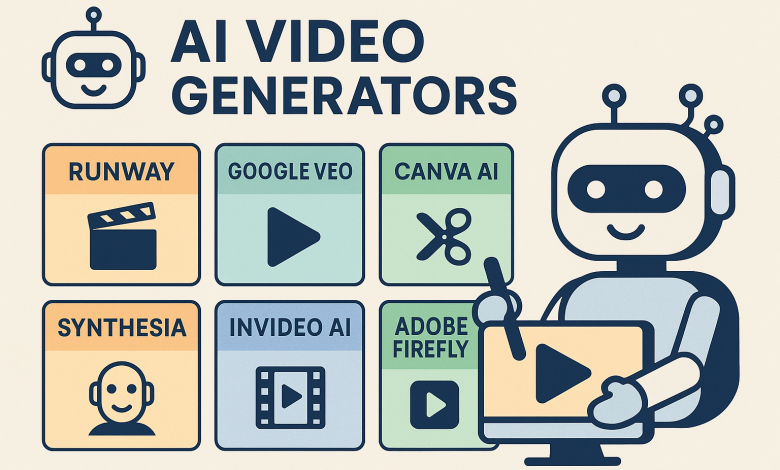
AI video generators are tools that turn text prompts, images, or existing videos into new video content with minimal manual editing. They help social media creators, marketers, educators, etc., to produce videos faster, cheaper, and with creative flexibility.
Some common use cases:
- Social media content: Short clips, ads, reels, shorts.
- Explainer / educational videos: Tutorials, how-to content.
- Marketing / promos: Product reveals, brand messages.
- Storytelling / creative video: Animated stories, scenes from prompts.
- Repurposing content: Turning blog posts into video, or summarizing webinars.
How to Make Short Videos Using AI Tools
Here’s a typical workflow:
- Pick your concept / prompt
Define what you want: e.g. “a 10-second video showing a sunrise over the mountains, with soft music and text overlay: ‘Good Morning’”. - Choose tool
Depending on your need (text-to-video, image-to-video, or editing existing video), pick the right AI video generator from those below. - Enter prompt / upload image / choose template
Most tools allow you to type a description, select style, maybe upload image or background, choose music. - Adjust / edit
After generation, you often can tweak: change text, transitions, add voice over or subtitles, adjust timing. - Export / share
Export as MP4, share on social platforms. Check resolution, watermark, usage rights if for commercial use.
Some Top AI Video Generator Tools: Free vs Paid
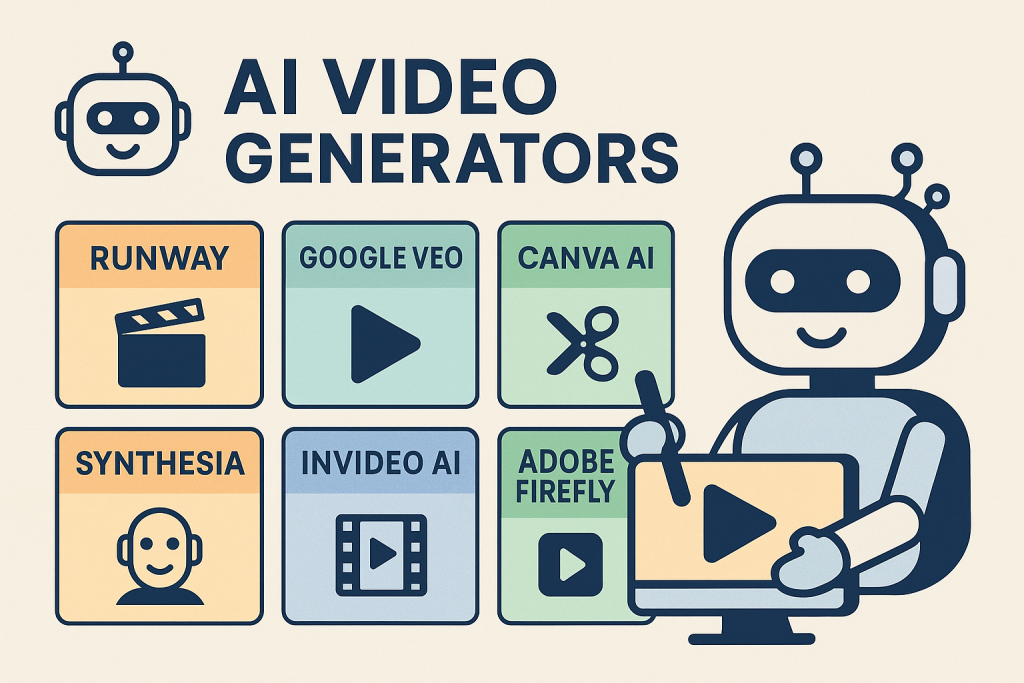
Below are some widely used tools, with their strengths, limits, free vs paid tiers.
| Tool | What it does well | Free version? | Paid version / Costs | Best use case |
|---|---|---|---|---|
| Synthesia | Many avatars, supports 140+ languages; good for business / explainer videos. Synthesia | Yes – limited free trial / free allowance of some minutes. Synthesia | Starts at ~$29/month (for more minutes, features, HD, etc.). Synthesia | Training/presentation videos, social media adverts |
| Runway | Strong generative AI tools; good editing + creative effects. Zapier+2MASV+2 | Yes, some free credits. Zapier+1 | Paid plans for more credits, higher resolution & advanced features. Synthesia | Creators who want both generative text/video + editing control |
| Google Veo (Veo 3) | Very new, powerful, text-to-video + audio, cinematic short clips. Android Central+4Wikipedia+4Lifewire+4 | Sometimes free for limited uses (depending on promotion / tier) Zapier+3Android Central+3TechRadar+3 | Full access, more video length / credits require paid subscription. Zapier+1 | Social-media clips, cinematic style promos, quick creative video content |
| Canva (AI Video Generator / AI “Create a Video Clip”) | Very beginner-friendly; built-in templates, graphics, audio, video editing. Canva+2Lifewire+2 | Yes, free tier, but features limited; some templates / export options / branding restricted. Canva+2Lifewire+2 | Paid plans give more templates, higher limits, no watermarks, more editing flexibility. Canva+2Lifewire+2 | Quick social content, presenters / talking head avatars, marketing clips |
| InVideo AI | For marketing / social media videos; auto-script, stock visuals, transitions, voiceovers. Invideo | Yes, free version with limited features / watermark / time limits. Invideo | Paid plan unlocks watermark removal, premium assets, longer videos. Invideo | Promo videos, listicles, short social videos |
| Adobe Firefly (AI Video Generator) | High visual quality, good for B-roll, special effects, image-to-video. Adobe | There is a free plan / trial but with limited usage. Adobe | Subscription gives more output time, higher resolution, extended rights etc. Adobe | Creative video content, cinematic shots, visual effects, enhancements |
Comparisons & What to Choose
When comparing, here are the factors you should consider in your blog (so your readers can pick well):
- Video Length & Resolution: Some tools limit you to very short clips or lower resolution on free tiers.
- Watermarks / Branding: Free versions often include watermarks; paid removes them.
- Editing Flexibility: Can you change music, voice, animations, timing after initial generation?
- Templates vs Fully Generative: Templates = easier & faster; generative (from text/image) gives more creative novelty.
- Export / Usage Rights: If used commercially, check licensing, stock asset rights, whether you own the video.
- Cost vs Credits: Many tools use “credits” which you consume per video; understand how many credits you get.
- Language / Avatar Options: If you need avatars or multilingual support, some tools are better.
Which Tools Are Best for Beginners vs Pros
| For Beginners | For More Advanced / Pros |
|---|---|
| Canva, InVideo, Veo 3 (short clips), basic templates | Runway, Synthesia, Adobe Firefly, plus tools that allow prompt engineering, camera control, fine editing |
Free & Paid Summary
- Free: Many tools have free plans or free credits — good for trying out, short or small projects. (Examples: InVideo AI, Canva’s free plan, limited use of Veo, some credits on Runway) Wikipedia+3Zapier+3Invideo+3
- Paid: Needed for better video length, higher resolution, removal of watermarks, more avatar / style options, commercial license. Prices often start ~$10-30/month and go up. Synthesia+1
Tips & Best Practices for Better Videos
- Write detailed prompts: Include style, mood, length, movement, audio.
- Use good templates or stock media where available.
- Add voiceovers / subtitles — helps reach more audience and accessibility.
- Keep videos short, especially for social media (15-60 seconds often works best).
- Use strong visuals & movement early to grab attention.
- Always check export settings (resolution, format).
Deprecated: htmlspecialchars(): Passing null to parameter #1 ($string) of type string is deprecated in /home/nqtjeubh/public_html/wp-includes/formatting.php on line 4724